Overwatch Wisp
A focused Wisp experience with straightforward setup, configurable profiles, and four flexible access windows.
IN PROGRESSCheck back soon
Temporarily unavailable —Shop Roblox Wisp through a polished product flow with four recurring access windows and secure Stripe checkout. Overwatch and Siege sales are temporarily paused.
 WISP ACCESS
ROBLOX WISP
01 / PRODUCTS
Roblox Wisp is available now with four recurring access windows. Overwatch and Rainbow Six Siege are shown below as temporarily unavailable and cannot be purchased.
A focused Wisp experience with straightforward setup, configurable profiles, and four flexible access windows.
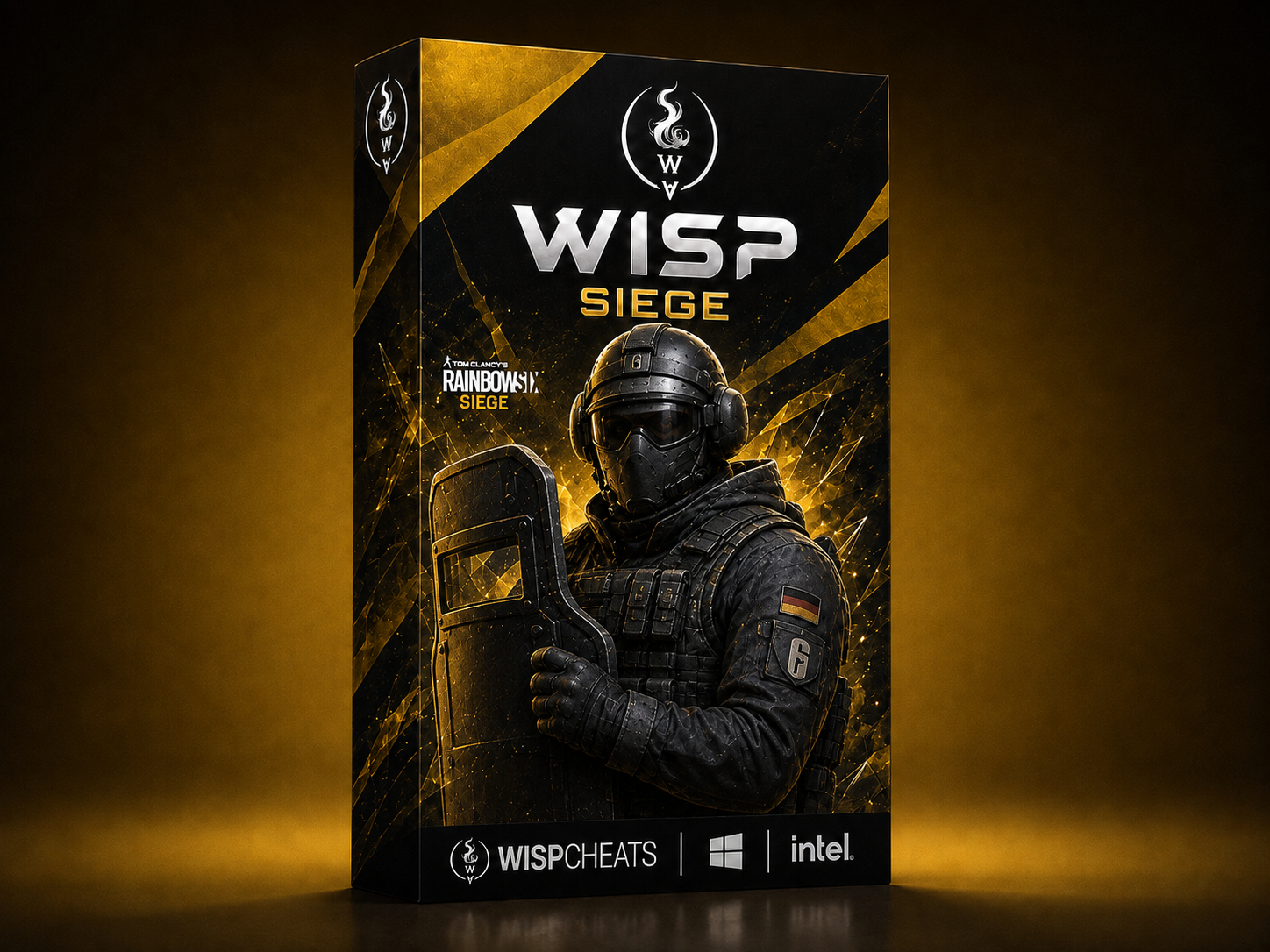
A clean Rainbow Six Siege Wisp experience with four flexible recurring access windows and secure Stripe checkout.
A polished Roblox Wisp experience with four flexible recurring access windows and secure Stripe checkout.
02 / THE SYSTEM
Wisp keeps the experience centered on selecting a plan, reviewing the recurring terms, and checking out securely.
Choose 1 day, 1 week, 1 month, or 6 months across Wisp's available products.
Add a plan to your cart and it remains saved on this device until you are ready to check out.
Purchases complete on Stripe, where you can review the key quantity, total price, and recurring billing terms.
Questions and product support stay connected to the official Wisp community.
03 / ROBLOX ACCESS
Roblox Wisp is live with four recurring plans. Select a plan to review its details and continue to Stripe checkout.
Current Roblox pricing is shown in USD. Each plan renews at its listed interval until canceled.
04 / GET STARTED
Choose a Wisp product and access window, then review the selected key quantity and recurring plan on Stripe before payment.
Open Wisp DiscordChoose 1 day, 1 week, 1 month, or 6 months.
Continue to checkout immediately or add the selected plan to your saved cart.
Confirm the key quantity, total price, and recurring billing terms before payment.
05 / FAQ
Roblox Wisp is available now with four recurring access windows. Overwatch Wisp and Rainbow Six Siege Wisp are temporarily unavailable and their checkouts are disabled.
Roblox Wisp is $6.59 for 1 day, $24.59 for 1 week, $60.59 for 1 month, and $349.59 for 6 months.
Yes. Each plan renews at its listed interval until canceled. Stripe displays the exact billing terms again before payment.
Yes. Your Wisp cart is saved locally on this device so you can come back to it later.
WISP / EST. 2026
Compare Roblox access plans and continue to secure checkout for one license when you are ready.